Mannequins
Each file in plugins/BoxStand/mannequins/ is one mannequin kind. Add a file to add a kind, delete a file to remove it. Run /boxstand reload after a change.
BoxStand creates the folder empty. The three kinds in the pack (mannequin, torso and custom) come from the version folder you copy in, see Getting Started. With no file in the folder, the Mannequin button is not shown.
Kinds and variants
A kind is one file, holding the settings its models share. A variant is one model inside that file, and one choice in the picker.
# mannequins/torso-mannequin.yml   <- one kind
name: Torso Mannequin
variants:
  wooden:                          # <- one variant
    model: mannequin_torso
  white:
    model: mannequin_torso_white
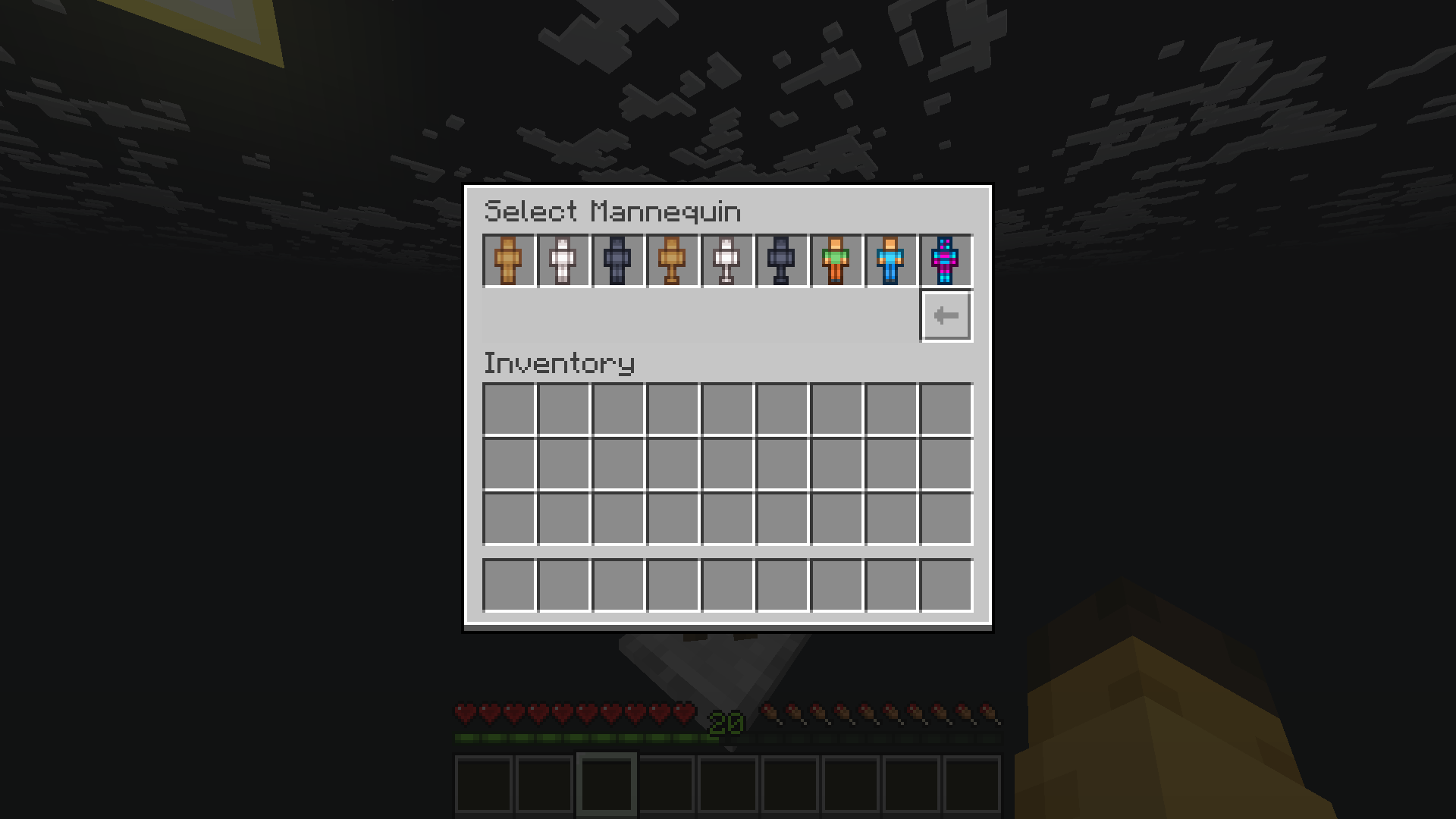
Players see all the variants they may use side by side, from every kind.
Every key
Only variants is required. Everything else is optional.
name: Torso Mannequin            # shown in the picker, defaults to the file name
order: 2                         # position in the picker, lowest first
require-permission: false        # true = asks for boxstand.<file-name>
off-item: nexo:mannequin_torso_off   # Mannequin button icon while no model is worn
off-modeldata: 1010              # custom model data for off-item, for a vanilla item
hide-slots: [leggings, boots]    # slots this model has no use for

# animations, pose and defaults can also be written here,
# for every variant in the file at once
animations:
  all: wear_chestplate
pose:
  pose_1: pose1
defaults:
  base-plate: false

variants:
  wooden:
    model: mannequin_torso       # the ModelEngine blueprint id
    item: nexo:mannequin_torso_on    # icon in the picker
    modeldata: 1011              # custom model data, used without an item plugin
    permission: boxstand.mannequin.wooden   # players without it don't see this variant
    pose:                        # preset poses, see below
      pose_1: pose1
    animations:                  # animations when slots change, see below
      helmet: wear_helmet
    defaults:                    # toggles while this model is worn, see below
      arms: true

  white:
    model: mannequin_torso_white
    template: wooden             # copies what it doesn't set from wooden

  black: mannequin_torso_black   # short form, when the variant only needs a model
itemandoff-itemtake a vanilla item likeARMOR_STANDor an item plugin id, see Item ids. If the id's item plugin is missing, the icon falls back tooff-item's vanilla item with the variant'smodeldata.- Files without
ordercome after the ones that have it, sorted by file name. - Each version folder in the pack has the same three files with that plugin's icons. The
Vanilla Versionfolder has them with vanilla items, and nothing else.
Kind, template and variant
animations, pose and defaults can be written on the kind, on a variant's template, and on the variant itself. When the same entry appears on more than one, the variant wins, then the template, then the kind.
| Key | How the levels combine |
|---|---|
animations |
Slot by slot |
defaults |
Toggle by toggle |
pose |
Poses from all three levels are listed together. Only a pose with the same name is replaced |
hide-slots
Slot names: helmet, chestplate, leggings, boots, right-arm, left-arm, backpack, balloon.
Use this for slots the model has nothing to show on, for example leggings and boots on a torso.
- Items in a hidden slot are kept on the stand but not drawn on the model. The GUI can still change them, and they come back when the model is removed.
- Hiding
leggingsalso removes both leg buttons from the part page.
template
A variant with template: wooden copies what it doesn't write itself from the wooden variant in the same file.
modelanditemare copied when the variant has none.modeldatais copied only when the variant has neitheritemnormodeldata.animations,poseanddefaultscombine as described in Kind, template and variant.permissionis never copied.- Templates don't chain. If
woodenhas a template of its own, that one is ignored.
pose
Preset poses for this model. Each line is a button name and the animation that holds the pose.
pose:
  pose_1: pose1        # button "Pose 1" plays the animation pose1
  champion: pose3      # button "Champion" plays the animation pose3
Each pose animation should be a single still frame, set to Loop. See Loop and override. How players use presets is in Usage.
Locking a pose
Write a pose as a block to put it behind a permission. Players without the permission don't see that pose.
pose:
  pose_1: pose1                            # open to everyone
  champion:
    clip: pose3
    permission: boxstand.preset.champion   # any permission name works
- The permission is registered when the server starts, and
boxstand.adminincludes it. - The shipped
custom-mannequin.ymllocks all three of its poses. The other shipped files leave them open. - To open a pose again, delete its
permission:line.
animations
Animations the model plays when a slot changes. Slot names are the same as in hide-slots, plus all for every slot.
helmet: wear_helmet              # plays on every change to this slot
helmet: mannequin:wear_helmet    # another model's animation, see below
helmet:
  on-fill: wear_helmet           # an item was put in or swapped
  on-empty: wear_helmet          # the item was taken out
  on-click: wear_helmet          # the slot was clicked, nothing moved
- A plain animation name refers to the worn model.
model:animationborrows one from another model with the same skeleton. If the worn model has an animation with that name too, its own is played. - When a slot names only some of the three triggers, the others play nothing. They do not fall back to
all.
Timing
Any trigger can be a block with timing, in ticks (20 ticks = 1 second).
helmet:
  on-fill:
    play: wear_helmet
    item-delay-ticks: 6        # the helmet appears 6 ticks after it is put in
    hide-worn: true            # the rest of the outfit also waits those 6 ticks
    animation-delay-ticks: 0   # ticks before the animation starts
    animation-lerp-ticks: 2    # ticks to blend into the animation instead of snapping
item-delay-tickslets a hand reach the slot before the item shows. It only works onon-fill. Taking an item off is always instant.hide-wornonly works together withitem-delay-ticks. It holds back the armour and held items, not the backpack or balloon. A slot the player changes during the wait keeps their change.- A block without
playjust delays the item, with no animation.
defaults
Toggle buttons forced while this model is worn. Keys: base-plate, gravity, arms.
defaults:
  gravity: false
  base-plate: false
When the model is taken off, each toggle goes back to what it was before, unless the player changed it while the model was on.